

10 Best Digital Marketing Tools & Software in 2026 (Compared)
 Abhinav Saxena
- 07 August 2026
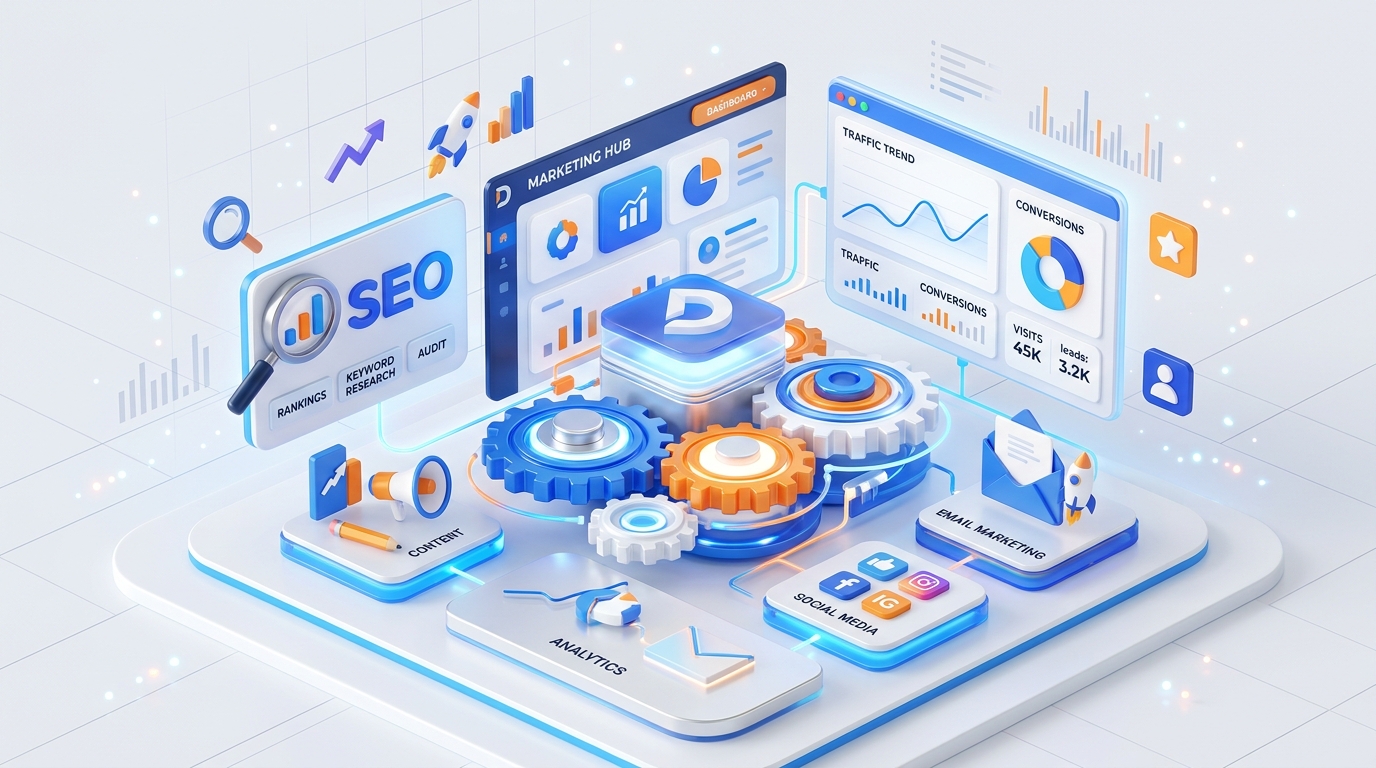
You do not need fifty tools. You need one right tool per job. This is our practical, agency-tested list of the best digital marketing tools in 2026 — what each one does, what it costs in India, and when it is actually worth the money. We run most of these daily at AR Digital Ad Studio, so this is the stack we would genuinely defend for a small or medium business.
Key Takeaways
- Start free: Google Search Console, GA4, Canva, Buffer, and Notion cover the basics without spending a rupee.
- Add your first paid tool — one SEO suite (Ahrefs or Semrush) — only when you start serious keyword and competitor work.
- A lean paid stack costs roughly ₹15,000–₹25,000 per year; never buy three tools that do the same job.
- Tools measure and automate — they never replace strategy, tracking, and creative judgment.
What are digital marketing tools?
Digital marketing tools are software platforms that help you research, create, publish, measure, and automate marketing work. They divide into five jobs: keyword and SEO research, analytics, advertising, content design and scheduling, and automation. The right tool for each job saves hours and gives you data to make decisions.
What are the 10 best digital marketing tools in 2026?
Here is the comparison at a glance before we go into detail:
1. Ahrefs / Semrush — SEO and keyword research
What it does: Keyword research, rank tracking, backlink analysis, site audits, and competitor traffic estimation. Ahrefs is strongest for backlinks and content gaps; Semrush adds paid-search intelligence, social tracking, and content marketing tools in one dashboard.
Cost (2026): Ahrefs Lite ~₹13,500/year. Semrush Pro ~₹15,000/year. Annual billing saves 15–20%.
When worth it: Publishing weekly, auditing technical SEO monthly, or needing competitor backlink and keyword gap data. For most Indian agencies and growing businesses, Semrush’s all-in-one nature wins.
2. Google Search Console — free, non-negotiable
What it does: Shows queries that bring clicks, impressions, CTR, and position. Reports index coverage, Core Web Vitals, mobile usability, and structured data errors. It is the only source of ground-truth query data — no third-party tool sees what Google actually serves.
Cost: Free. No limits.
When worth it: Day one. Every business with a website should connect it before publishing a single page. If you are not checking Search Console weekly, you are flying blind.
3. Google Analytics 4 — free analytics
What it does: Tracks conversions, traffic sources, funnel behavior, engagement, and audience demographics. The event-based model enables cross-device measurement, custom funnels, and path analysis.
Cost: Free for standard properties.
When worth it: Day one, paired with Search Console. GSC shows what Google sees; GA4 shows what visitors actually do. Set up conversion events before running any paid campaign.
4. Google Ads — paid search
What it does: Places ads at the top of Google search for chosen keywords. Supports search, display, shopping, and Performance Max campaigns with automated bidding.
Cost: Pay-per-click. CPC in India ₹15–₹300+ depending on vertical. Minimum daily budget ₹100–₹500.
When worth it: You need immediate leads and have a converting landing page. The real skill is keyword research and negative keywords — a badly structured account burns budget fast. See our Google Ads management guide.
5. Meta Ads Manager — Facebook and Instagram
What it does: Runs ads across Facebook, Instagram, Messenger, and Audience Network. Custom audiences, lookalikes, and Advantage+ campaigns use Meta’s AI to find buyers; WhatsApp-click campaigns often cost less per conversation than form leads.
Cost: CPM ₹80–₹250; CPC ₹5–₹50. Minimum daily budget ₹100–₹300.
When worth it: Selling to consumers or SMBs in Tier-2/3 India. Best paired with retargeting. We cover the full setup in our social media marketing services.
6. Canva — design for non-designers
What it does: Drag-and-drop editor with 600k+ templates. Brand Kit locks colors and fonts; Magic Resize adapts one design to every platform; AI tools speed up production.
Cost: Free tier generous. Canva Pro ~₹1,500/year for one user.
When worth it: You need 10+ creatives per week without an in-house designer. Pro pays for itself after ~3 designs you would otherwise outsource.
7. Buffer / Later — social scheduling
What it does: Schedule posts across Instagram, Facebook, LinkedIn, X, Pinterest, TikTok. Buffer offers calendar view and first-comment scheduling; Later adds visual Instagram grid planning.
Cost: Buffer Free covers 3 channels, 10 scheduled posts each. Later Free covers 1 social set, 30 posts/month.
When worth it: Posting 3+ times weekly across multiple channels. Buffer’s free plan covers most small businesses; upgrade for team approvals or more analytics. See our social media management tools comparison.
8. Mailchimp / Brevo — email and WhatsApp
What it does: Email marketing, automation journeys, segmentation, A/B testing. Brevo adds SMS and WhatsApp Business API — a strong fit for Indian businesses that sell on WhatsApp.
Cost: Mailchimp Free: 500 contacts, 1,000 sends/month. Brevo Free: 300 emails/day; Starter ~₹600/month for 20,000 emails.
When worth it: 500+ contacts needing automated welcome sequences or WhatsApp nurture flows. Before that, manual follow-up is enough.
9. Notion — content calendars and SOPs
What it does: All-in-one workspace for docs, databases, kanban boards, and calendars. Build content calendars, SOP wikis, and campaign trackers in one tool.
Cost: Free: unlimited personal pages, 7-day history, 10 guests.
When worth it: Day one. It replaces scattered spreadsheets with one organized workspace.
10. Make / Zapier — automation
What it does: Connect apps via visual workflows — form submission creates a CRM lead, triggers a WhatsApp message, and notifies sales on Slack.
Cost: Make Free: 1,000 operations/month. Zapier Free: 100 tasks/month. Make offers better value at scale.
When worth it: You have 3+ manual handoffs per lead. A lead that gets follow-up within minutes converts far better than one that sits for a day.
How to build your digital marketing tool stack on a budget
- Start free. Google Search Console, GA4, Canva free, Buffer free, and Notion cover the essentials at ₹0. Set up conversion tracking in GA4 before you spend a rupee on ads.
- Add the first paid tool only when you do serious SEO. Buy one of Ahrefs or Semrush — not both. Use the free trial to audit your site before committing.
- Buy email automation when you have 500+ contacts. Before that, WhatsApp broadcast and manual follow-up are enough. Brevo’s free tier covers most small lists.
- Outsource the skill gap. Tools are useless without someone who can read them. A skilled freelancer or agency (₹15,000–₹30,000/month) is often cheaper than buying tools you cannot use.
Tools are only as good as the strategy behind them
We have seen businesses with every tool on this list still fail because the strategy, tracking, and creative were wrong. Tools measure and automate; they do not replace judgment. If your campaigns are not converting, an audit will tell you why before you spend on more software — start with a free consultation and let our team recommend exactly what you need.
Example: A Delhi-based D2C skincare brand spent ₹45,000/year on Semrush, ₹20,000/month on Meta ads, and ₹8,000/month on Brevo. But their landing page had no clear offer, no trust signals, and a broken mobile checkout. Fixing the page (₹0 tool cost, two days of work) doubled conversions. The tools measured the problem; strategy fixed it.
The best free digital marketing tools that are actually good
You can run a complete marketing operation on free tools alone. These are the ones we trust daily:
- Google Search Console — Ground-truth SEO query data. No alternative.
- Google Analytics 4 — Full funnel and conversion tracking.
- Google Keyword Planner — Free with any Ads account. Search volume ranges and bid estimates.
- Google Trends — Real-time topic popularity and geographic interest for content planning.
- Canva Free — 250k+ templates, basic Brand Kit, 5GB storage. Covers 80% of social design needs.
- Buffer Free — 3 channels, 10 scheduled posts each. Enough for most small businesses.
- Brevo Free — 300 emails/day, unlimited contacts, basic automation.
- Notion Free — Unlimited personal pages, full database and calendar views.
- Make Free — 1,000 operations/month with unlimited scenarios. Enough for lead-to-CRM-to-WhatsApp flows.
- AnswerThePublic Free — 3 daily searches visualizing question-based keywords. Great for content ideation.
- Meta Business Suite — Native scheduling, insights, and inbox for Facebook and Instagram.
- Microsoft Clarity — Free heatmaps and session recordings with no traffic limits.
Combine these and you get: keyword research, SEO tracking, analytics, design, scheduling, email, project management, and automation — total cost ₹0.
Paid vs free: when to upgrade
Rule of thumb: Upgrade only when the free tier actively blocks a workflow you do weekly. Not “might need” — “does need.”
Overwhelmed by Tool Choices?
We will audit your setup and tell you exactly which tools to keep, cut, or learn.
Frequently Asked Questions
What is the best all-in-one digital marketing software?
Semrush is the closest to all-in-one for SEO, content, and ads research in 2026. For full execution you still need the channel platforms themselves — Google Ads and Meta Ads Manager. Start with free tools and add Semrush when you need deeper keyword or competitor data.
Are free digital marketing tools enough?
For a small business starting out, yes — Google Search Console, GA4, Canva, and Buffer's free plans cover the basics. Add paid tools when you need deeper keyword data, competitor tracking, or link analysis. You can run a complete operation on free tools alone: Keyword Planner, Trends, Ubersuggest, and AnswerThePublic for research; Search Console for SEO; GA4 and Clarity for analytics; Canva for design; Buffer and Meta Business Suite for scheduling; Brevo for email; Notion for planning; Make for automation.
How much should I spend on marketing software?
A lean paid stack — one SEO suite plus one email tool plus Canva — costs roughly ₹15,000–₹25,000 per year. Avoid stacking three tools that do the same job. Spend on skill before software: an expert using free tools beats a novice with ten subscriptions.
Ahrefs vs Semrush — which should I choose in 2026?
Choose Ahrefs if backlink analysis, keyword difficulty accuracy, and content explorer are your priorities. Choose Semrush if you need on-page SEO audits, paid-search competitor data, social media tracking, and a content marketing platform in one subscription. For most Indian agencies and SMBs, Semrush's broader toolkit at a slightly lower price point wins.
Do I need both Google Ads and Meta Ads?
Not necessarily. Google Ads captures demand — people actively searching for your product. Meta Ads creates demand — showing your product to people who match your audience but aren't searching. Start with the channel where your buyers are: B2B and high-intent services → Google. D2C, local services, impulse buys → Meta. Run both when you have ₹15,000+/month ad budget and conversion tracking set up.
When should I hire an agency instead of buying tools?
When you lack the time or expertise to act on tool data. Semrush gives you keywords; an agency gives you a content strategy that ranks. If you are spending ₹30,000+/month on ads, an agency's fee (₹20,000–₹50,000/month for SMBs) usually pays for itself in wasted-spend reduction.
What is the minimum viable marketing stack for a new Indian business in 2026?
Google Search Console + GA4 (analytics), Google Keyword Planner (research), Canva Free (design), Meta Business Suite (scheduling + ads), Brevo Free (email + WhatsApp broadcast), Notion Free (planning), Make Free (automation). Total: ₹0. Add Semrush Pro (₹15,000/year) when you publish weekly. Add Brevo Starter (₹600/month) when you need WhatsApp API automation.